Preview Size
Description
The preview size for the Ink (maximum width or height, in pixels) when it is being panned or scaled. You should keep this value low (around 512) for mobile devices with less power.
What is This?
The preview size property basically allows you to set the resolution of the image that appears on the editor when you are dragging the zoom box around the view part of the Ink Control. If you set the Preview Size to a very low value then this transitional image in the editor will appear very blurry. When you stop dragging the zoom box in the view the image shown in the editor will come back into focus.
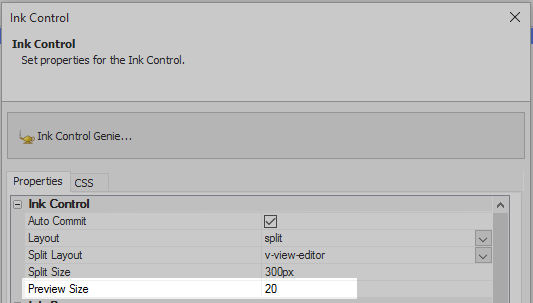
Setting the Preview Size to 20
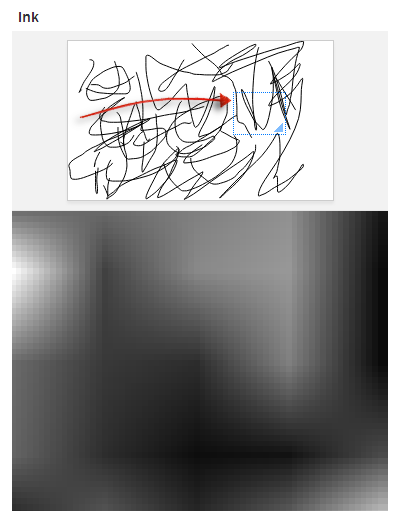
Whilethe zoom is dragged (red arrow) the image in the editor is very blurry
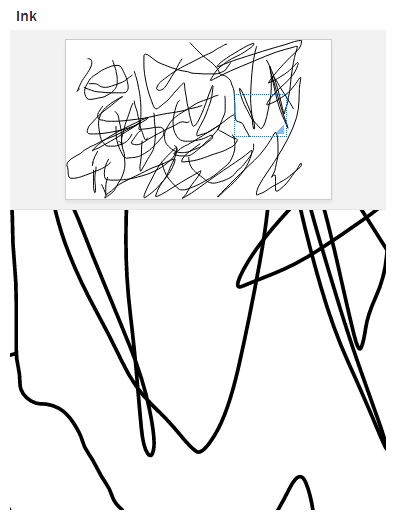
When the mouse (or other input device) is released the image returns to normal
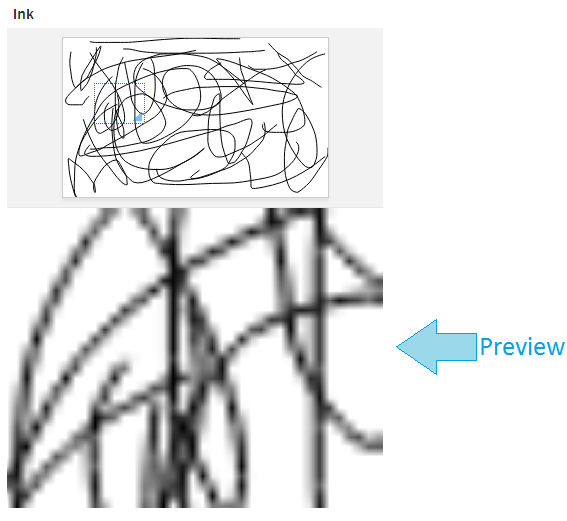
While dragging zoombox at a Preview Size of 200
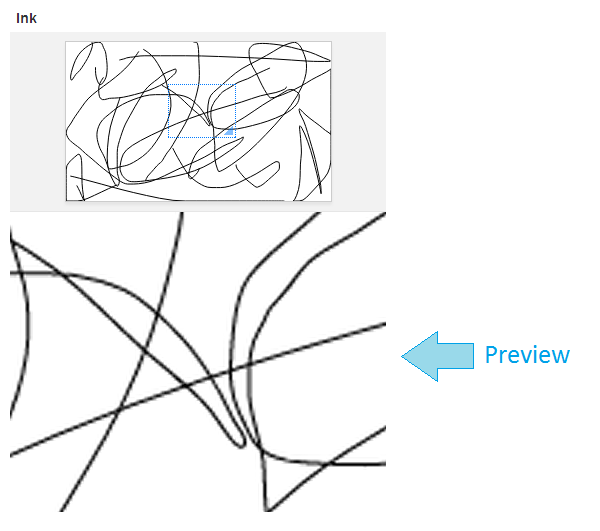
While dragging zoombox at the default Preview Size of 512